
VOL. XII · ISSUE 04 · FIELD NOTES
FIELD NOTES · CES 2026
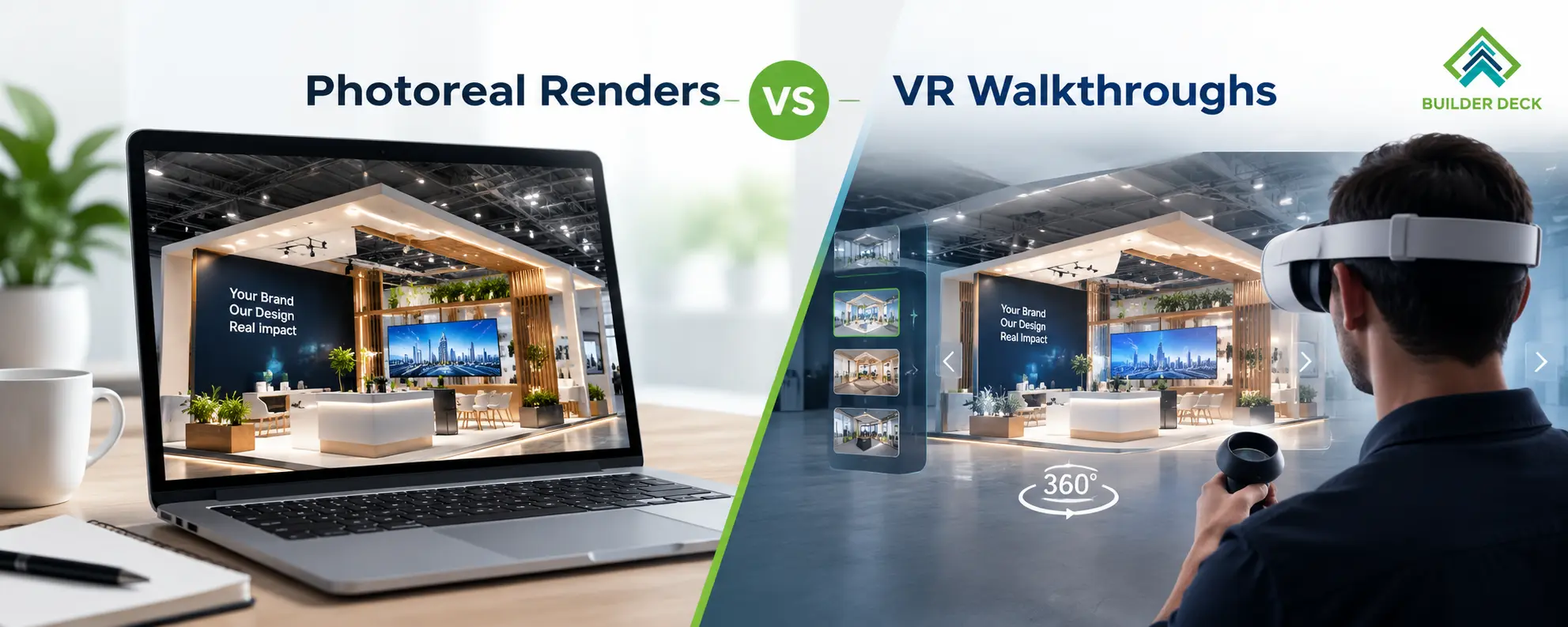
Before a stand is built, most exhibitors see it only as a picture. That picture decides whether leadership approves the budget, whether the sales team agrees with the layout, and whether the builder and client share the same idea of the finished stand.
So how you see the stand before it exists matters more than it looks. Two formats dominate: photoreal renders and VR walkthroughs. Both are useful, and neither is automatically better. They answer different questions, and asking for the wrong one can cost you time or money, or let a design flaw survive until install day.
This guide explains what each format shows well, where each falls short, and what to request based on your stand type. It draws on how we work through 3D visuals at BuilderDeck.
A photoreal render is a still image, or a small set of images, of the stand from chosen viewpoints. It uses realistic materials, lighting and scale, so it looks close to a photograph of the finished stand. At BuilderDeck, stills are delivered in 4K from every key approach angle.
It’s good for:
It falls short in these ways:
A render is a persuasive view of the stand. It is not proof that the stand works.
What a VR walkthrough shows
A VR walkthrough puts you inside the 3D model at human scale. You choose where to stand and where to look. Depending on the setup, it runs on a headset or in a web browser.
It’s good for:
It falls short in these ways:
Think in terms of the question you need answered:
That last point is the one exhibitors miss most often. Visuals are communication tools. Structural safety, load capacity and venue compliance come from technical drawings and calculations, which are a separate deliverable and should be requested separately.
Small or simple stands (single level, open layout)
Photoreal renders are usually enough. Ask for at least three views: the main aisle approach, a close-up of the key product or reception area, and a plan view. A walkthrough rarely changes the decision on a simple stand. This applies to compact formats like our 10×10 trade show booths.
Large island stands and custom builds
Request renders for brand and material approval, then a walkthrough, or at least a set of eye-level views, for flow and sightlines. A large stand has more ways to go wrong, and a wrong decision costs more. Our Custom Exhibition Stands page covers what a full design process includes.
Double decker stands
This is where we’d lean toward asking for both. An upper level raises questions a single exterior image can’t answer: how visitors reach the staircase, whether upstairs feels private, and how the ground floor works underneath it. At a minimum, ask for separate renders of the ground and upper floors so stakeholders can sign off traffic flow at both levels before build starts. More on this is on our Double Decker Exhibition Stands page.
Pavilions with multiple exhibitors
Request renders of the shared shell plus a sample brand zone, so every participant sees the same visual rules. A walkthrough helps most for the central meeting or hospitality area, and for entrances and aisles. See our Pavilion Exhibition Stands page.
Modular or reusable stands
Renders are normally sufficient, since the components are standardised. Ask for a render of each configuration you plan to use across shows. See Modular Exhibition Stands.
A good visual only helps if it is honest. Before approving, ask:
If the answers are vague, treat the visuals as marketing material rather than a planning tool.
Even the best render or walkthrough shows what the stand might look like. It doesn’t tell you whether the venue will approve it, whether it will carry its load, or whether it will arrive and install correctly. For anything beyond a simple single-level stand, ask how the visual connects to drawings, venue approval and, for complex builds, a pre-build check in the workshop.
A few related reads from our blog:
You can also compare finished stands with the visuals that preceded them in our Portfolio.
If you’re comparing builders or preparing a brief, we’re happy to walk through what a sensible visual package looks like for your footprint, show and budget. See our 3D visuals service or get in touch.
Three or four new essays per quarter on design, sustainability, logistics and the trade-show floor. No promos, no calendar spam.
ONE EMAIL PER QUARTER · UNSUBSCRIBE ANY TIME
